squarespace seo checklist 2026
Squarespace SEO Checklist
We always hear that SEO feels like a huge mystery.
You don’t know exactly what it is, but you know you need it. You have some ideas but aren’t sure if you’re doing everything you’re supposed to.
With the right Squarespace SEO strategy, your website can work for you—helping the right people discover your business while you’re busy doing what you do best.

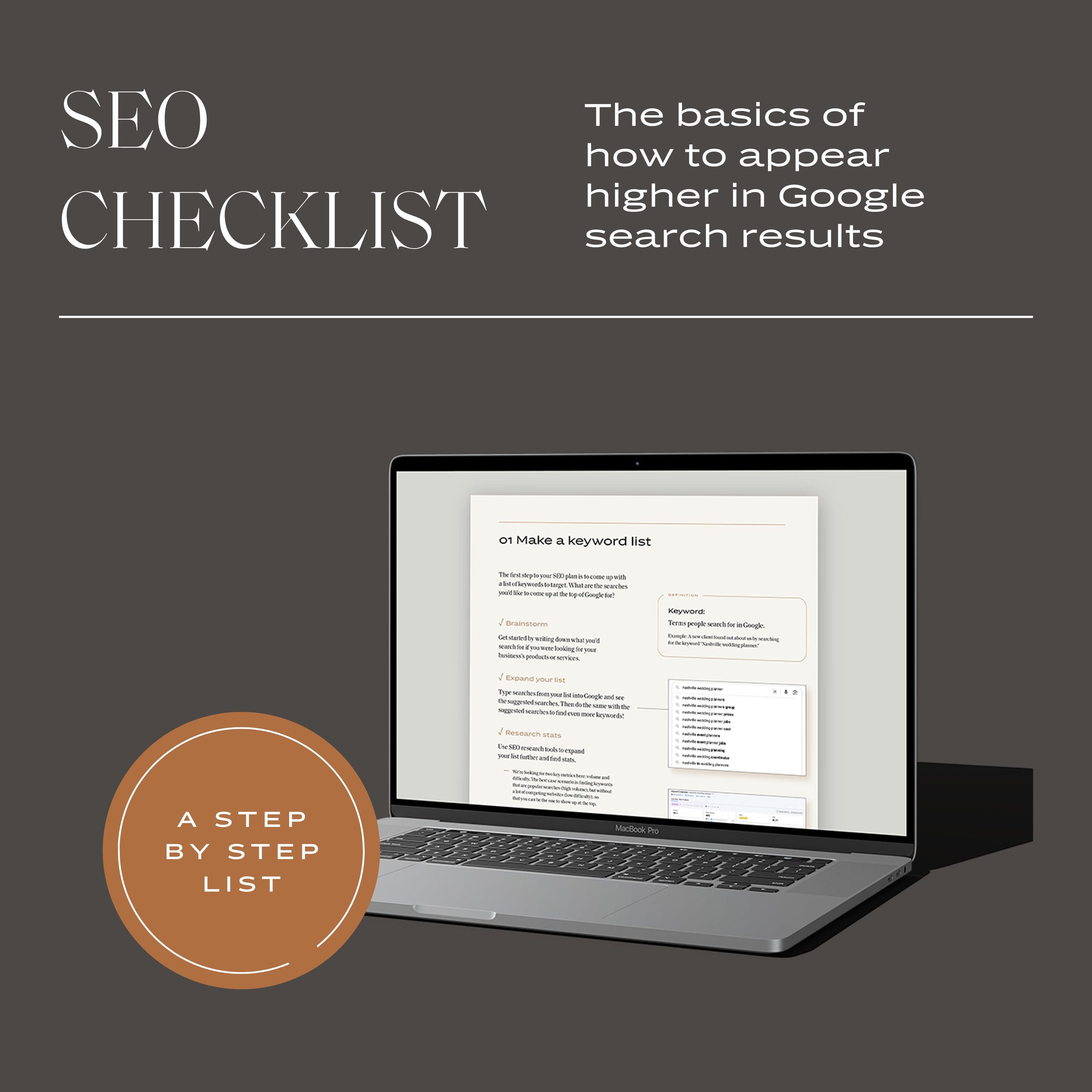
Our free Squarespace SEO Checklist includes:

Keywords
What they are, research tips, and how to finalize your keyword strategy.

All the settings
A comprehensive list of all the settings and how to add keywords to Squarespace.

Website content
Best practices for images and website copy. Squarespace blog SEO guidelines and prompts.

Analytics
All the basis to get you started with Google Search Console.

Squarespace SEO FAQ’s
-
SEO stands for Search Engine Optimization, and refers to techniques that help your website appear higher up in Google search results.
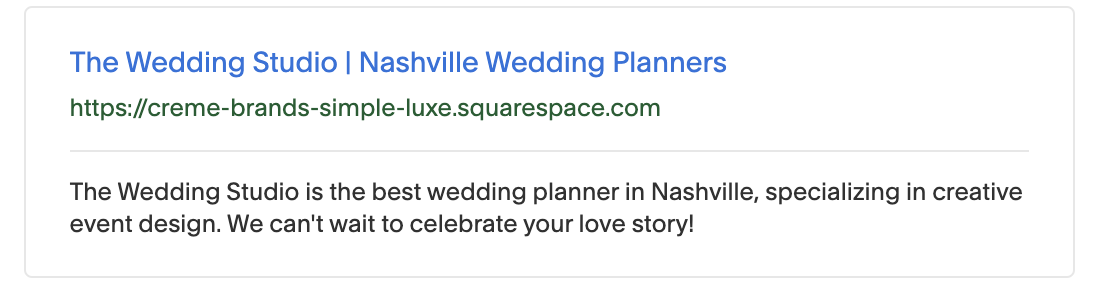
Example: After improving their website’s SEO, The Wedding Studio now comes up as the 3rd result when you Google “Nashville wedding planner”. They weren’t even on the 1st page before!
-
Here are the top places to add keywords to Squarespace websites. We cover each one in detail in the Squarespace SEO Checklist.
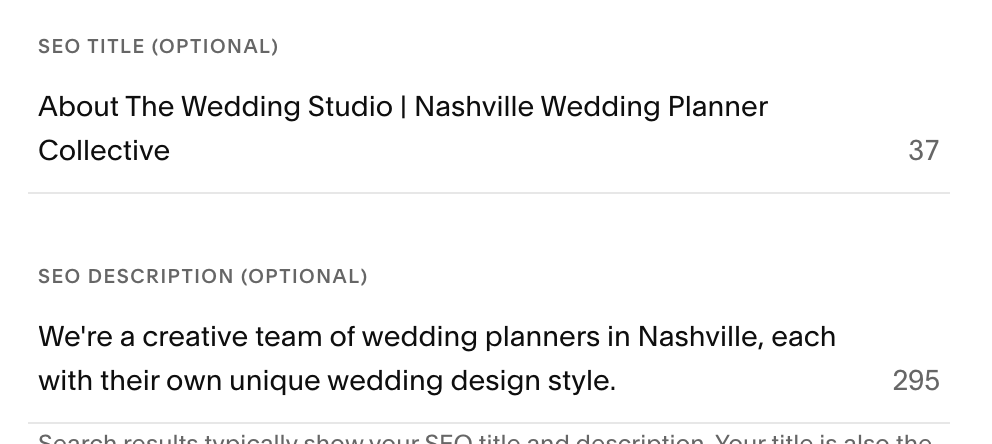
Your sitewide SEO Title and Description, found under Website > SEO / AIO > Search Appearance.
SEO Titles and Descriptions, and optimized URLS for each page on your site. Go to Website > Pages then hover over a page name. Click the gear icon to edits the page settings.
Your website copy itself, especially headings.
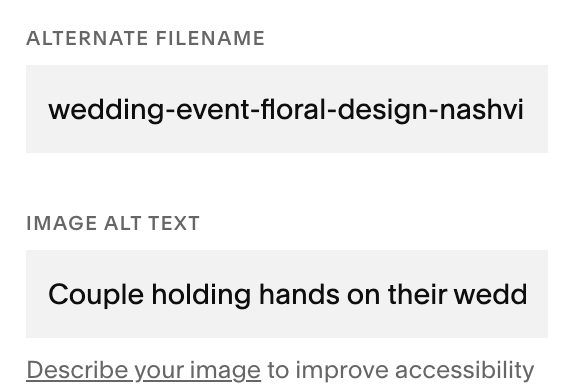
Image names. Navigate to each image on your website and double click to pull up your image options, then fill in the Alternate Filename.
Blog post content (with SEO Title, SEO Description, and optimized URL slug configured).
-
We know that blogging is one of those things that’s easy to push to the end of your to-do list, but it’s true that blogging is an awesome tool for SEO. We’ve found that knowing why blogging is helpful for SEO can be motivating for keeping a regular blogging schedule!
Blogs are essentially a limitless way to keep your site continually updated with new content—something Google looks for—and to strategically add more and more keywords to your site to help you rank for those searches.
Our best advice is to brainstorm blog posts with SEO in mind. Take a look at the keywords you’d like to rank for, and build blog post content around those topics. This gets extra powerful when combined with research, so you know you’re putting your energy into targeting keywords that are achievable to rank for.
For example, if you’re a Nashville-based wedding planner, think of the sorts of searches your prospective clients will be making before they hire their planner. “Nasvhille wedding venues” has to be at the top of their list, so why not curate a list of your favorites? Make it a double win by getting specific to your ideal client, such as “Top 10 Nashville Luxury Wedding Venues.” The more niche search terms will most likely be easier to rank for AND get you in front of the right people. -
We like Semrush’s Keyword Tool to look up stats and suggest related keywords. You’re allowed 10 free searches a day.
Once you get started with SEO, it’s always a good idea to take a look at your search analytics, see how your SEO strategy is working, and make ongoing adjustments. We recommend setting up a free Google Search Console account to access data straight from the source. -
Keyword stuffing is the practice of using a bunch of keywords to the point of sounding unnatural and hurting your SEO.
Example: “Best wedding planner in Nashville TN for creative event planners, wedding coordinator nashville, planning a wedding in nashville”
Squarespace SEO Checklist Contents
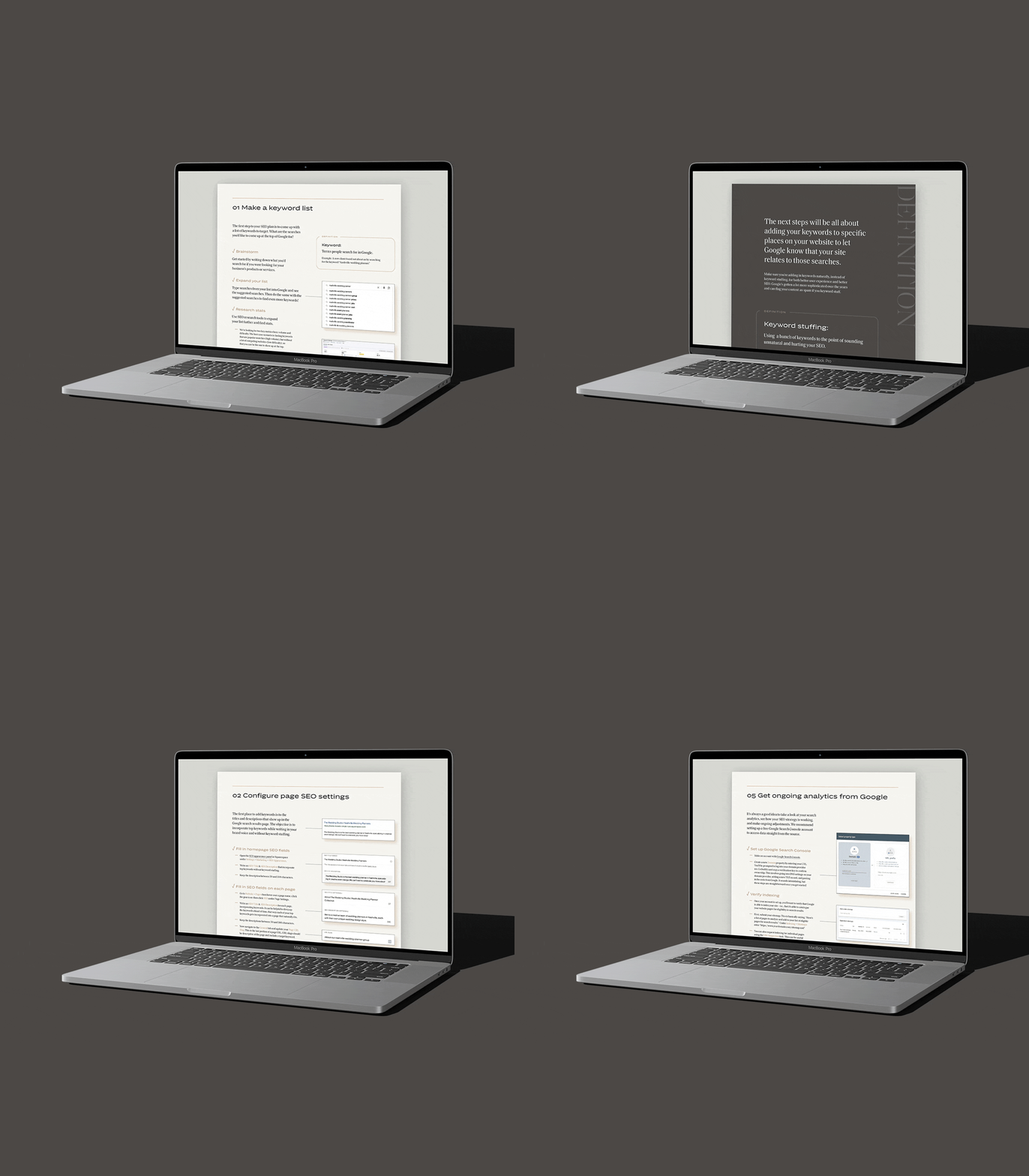
01 How to make a keyword list: how to brainstorm, expand your list, research stats, and finalize your strategy.
02 How to add keywords to Squarspace: where to configure sitewide SEO settings and fill in SEO fields on each page.
03 How to optimize your website copy and images for SEO: how to read through your website copy and make SEO improvements, and how to make sure images are optimized.
04 Squarespace blog SEO tips: how to brainstorm blog posts with SEO in mind, then optimize your blog posts.
05 How to connect your Squarespace website to Google Analytics: the process of setting up Google Search Console, verifying your indexing. and leveraging your analytics.

I’m Kathryn, Founder of Crème Brands
I’m the founder and creative director of Crème Brands, an award-winning luxury brand & site agency. Since 2013, my team and I are focused on elevating businesses to an exclusive look and feel, to help business owners reach the next level.
My biggest passion is helping business owners (you!) find confidence that you didn’t know was possible.
You already have all the pieces. I’m here to help you put them together so you can stop delaying your dream.